
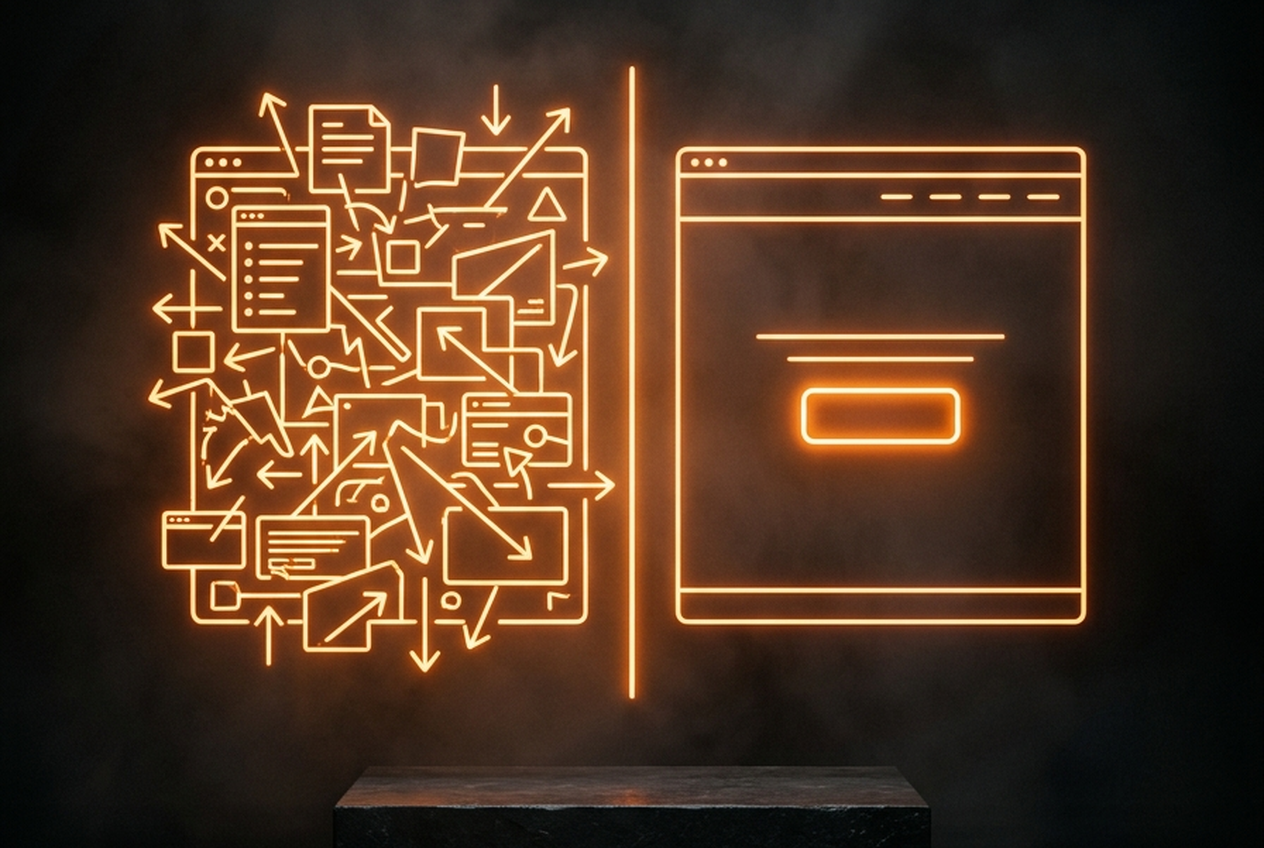
You pay somewhere between $1 and $4 for the click, the visitor lands on your homepage, and five seconds later they are gone. Not because the product is wrong, but because they clicked an ad about one specific problem and arrived at a page offering ten collections, a navigation menu, a brand story video, and a newsletter popup. The ad made a promise; the homepage changed the subject.
Multiply that bounce across a month of spend and the waste is staggering. A store sending 5,000 paid clicks a month to a homepage converting at 1.1 percent makes 55 sales. The same traffic hitting a focused landing page at 3 percent makes 150. Same budget, same product, almost three times the revenue. That gap is not creative luck. It is page design.
The Anatomy of a High-Converting Ad Landing Page
Cold traffic arrives with one question: is this the thing from the ad? The page answers it in one scroll. Every layout decision follows from that.
One page, one job. A landing page sells one product, against one pain point, with one call to action. The moment you add a second collection or a "you might also like" row, you are back to running a homepage and paying homepage conversion rates for it.
The Above-the-Fold Hook
The first screen carries the entire sale: the product shot or the UGC clip from the ad, one sentence of value proposition that mirrors the ad's promise, review stars with a count, and a buy button visible without scrolling. Message match is the rule. If the ad says "stops heel pain in work boots," the headline repeats those words, not your brand slogan. Any visitor who has to scroll to understand what is being sold is a visitor you already lost.
Agitate the Problem, Show the Fix
Below the fold, spend one section on the pain in the customer's own words, then demonstrate the fix. Short UGC clips or GIFs of the product in use outperform polished brand photography here, because cold traffic trusts people over studios. This is where the creator pipeline from our UGC creator briefs guide pays for itself: raw demonstration footage is exactly what this section needs.
Risk Reversal at the Hesitation Point
Buyers hesitate at predictable moments: right before the price, and right before the button. Place the proof there. Real reviews with photos, the guarantee in plain language, shipping time in days, and a returns line a human would write. A 30-day guarantee stated next to the buy button does more than a thousand words of brand story.
The Tech Stack and Page Builders
You do not need a developer for this. PageFly, Shogun, and GemPages all build drag-and-drop landing pages inside Shopify, with mobile responsiveness and decent load times out of the box. Pick one, learn it for a weekend, and template your first page in a day. Two rules keep the speed honest: compress every image before upload, and resist embedding five apps on a page whose only job is one button.
Speed is a conversion tax you never see itemized. A page that loads in one second on a phone converts at multiples of what a five-second page manages, and slow pages quietly pay higher ad costs because platforms read the weak engagement. Keep the hero image lean, lazy-load everything below the fold, and test on a mid-range phone over mobile data, not on office Wi-Fi.
Strip the exits. A landing page for cold traffic removes the full navigation menu and the footer link farm, keeping the logo, the buy button, and the essentials. Every exit link is a leak in a funnel you paid to fill. Full disclosure: mizostoreforge operates as a Shopify affiliate, and the platform earns that recommendation here on mechanics alone: page builders install in minutes, checkout stays native and fast, and you are not duct-taping a funnel tool onto a store that lives elsewhere.
Build one page per ad angle, not one page per ad platform. The scaling frameworks in our Meta scaling playbook assume your winners get dedicated pages, because creative testing is only readable when the landing page holds the message constant. And since most paid clicks arrive on a phone, run every new page through the checks in our mobile checkout guide before you spend a dollar.
Stop Buying Clicks for a Brochure
A homepage is a brochure, built for people who already know you and want to browse. Paid traffic is the opposite: strangers, mid-scroll, giving you five seconds. Stop paying premium ad rates to park them in a lobby. Build the focused page, match the ad's promise, strip the exits, and watch ROAS climb out of the red with the same budget you are spending today.
Frequently Asked Questions
Should I send ad traffic to a product page instead of the homepage?
A product page is better than a homepage, but it still carries navigation, related products, and collection links that leak attention. A dedicated landing page that mirrors the ad's exact promise will outperform both for cold traffic. Product pages work fine for warm retargeting.
How long does it take to build a landing page with a page builder?
Your first one takes a day: hero section, pain and solution block, reviews, guarantee, buy button. After that you are cloning a template and swapping the angle, which takes an hour. The bottleneck is never the tool; it is writing the one-sentence promise.
What conversion rate should a landing page target?
For cold social traffic, 2.5 to 4 percent is a healthy working range on an average order value under $100. Below 1.5 percent, check message match and mobile load speed before touching anything else. Above 5 percent on cold traffic usually means the audience is warmer than you think.